
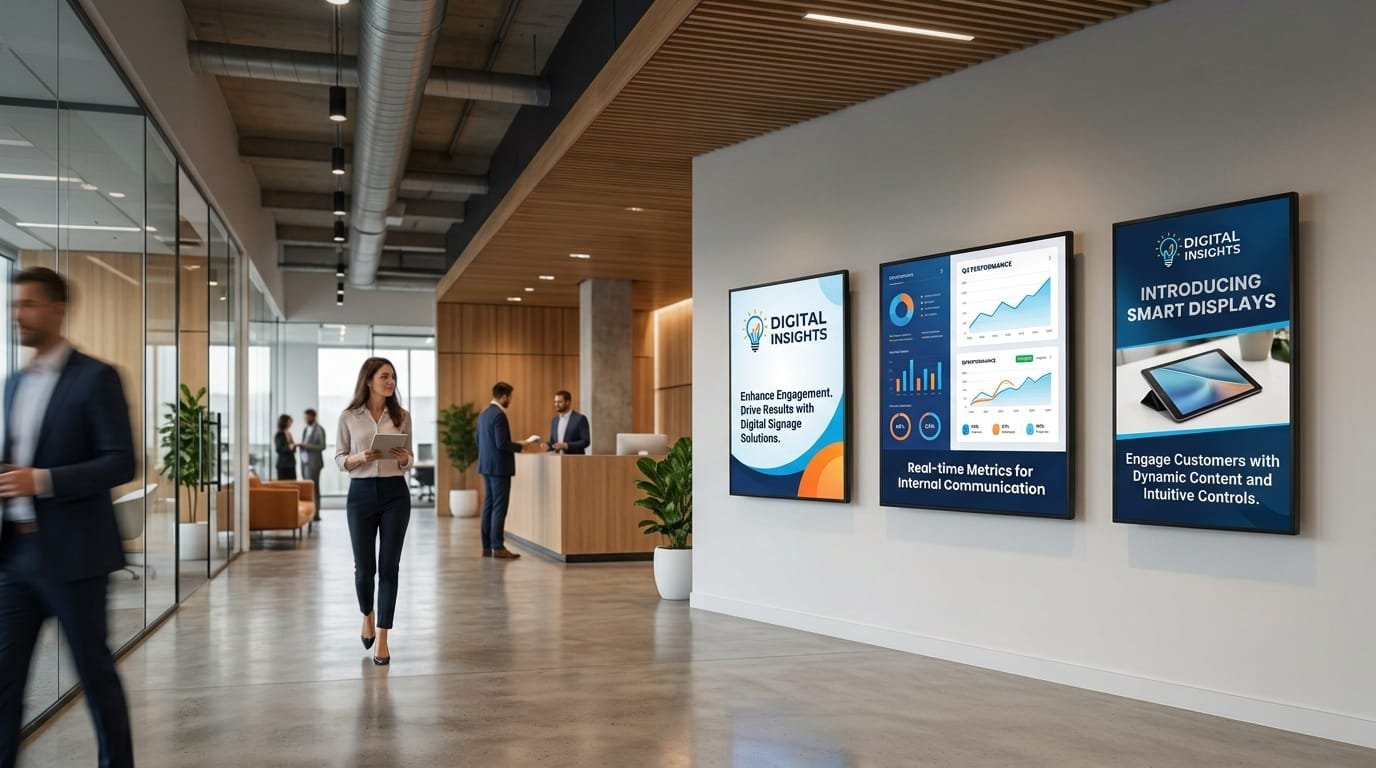
A digital screen can display exactly the same content throughout the day, but that is not always the most useful approach. A shop, office, hotel or clinic serves different audiences, has different communication needs and may need to display specific information depending on the time or situation.
Digital screens with customised content for businesses make it possible to adapt what appears on each screen according to factors such as location, time of day, audience or business activity. Personalisation can be relatively simple, such as scheduling different content for different time periods, or more advanced, using connections with other business systems.
The important difference is not simply having digital screens, but being able to manage their content consistently and use them with a clear purpose.
What does it mean to customise digital screen content?
Customising digital screen content means deciding what information should be displayed in each context instead of using one single schedule for every screen.
For example, a company with three offices could display common corporate information across all locations while adapting certain content to each office. A shop could show different promotions depending on the time of day. A hotel could use different screens to communicate information to guests at reception and activities in other areas of the property.
Personalisation can be based on different criteria:
- Location: each screen displays information related to the space where it is installed.
- Time: content changes automatically according to the time or day.
- Audience: different messages can be selected for customers, employees or visitors.
- Campaign: specific content can be activated for a defined period.
- Data: certain content can be updated using information from other business systems.
Not every project needs to use all five criteria. The right solution is the one that introduces the necessary level of personalisation without adding unnecessary complexity.
Why might a business need customised content?
Digital signage has an obvious limitation: the available space and the viewer's attention time are limited. If a business tries to use the same message in every situation, some of its audience may end up seeing information that is not particularly relevant to them.
Personalisation helps address this problem. The screen can focus on what makes sense for a specific place and moment.
Imagine a chain of gyms. It may not make sense to display exactly the same class schedule in every location. Each gym may have different class times, while certain corporate messages can remain consistent across the network.
Another example would be a company with several offices. Information about internal policies may be shared across the organisation, while building-specific notices, local events or meeting information can be displayed only at the relevant location.
Personalisation makes it possible to separate these two types of information without having to manage every screen completely independently.
What content can be customised?
Personalisation is not limited to changing an image. It can affect almost every aspect of a digital screen's content schedule.
Promotions and campaigns
A business can schedule different promotions according to the location, date or time of day. This can be particularly useful for businesses that run frequent commercial campaigns.
For example, a shop might highlight certain categories in the morning and use different promotional content in the afternoon. The schedule can be prepared in advance so that changes happen automatically.
Products and services
When the product catalogue or service offering differs between locations, screens can display only the products or services that are relevant to each site.
This prevents businesses from promoting information that is not available at a particular location and makes better use of the available communication space.
Opening hours and activities
In gyms, sports centres, hotels, educational facilities and customer-facing environments, schedules can play an important role.
A screen can automatically display the programme for the current day or even highlight the next scheduled activity. This is more useful than relying on a static image that someone has to replace manually whenever the schedule changes.
Corporate information
Digital screens can also be used to communicate internal news, events, welcome messages, employee recognition, corporate campaigns or information related to the company's activities.
In this case, businesses can combine common content for the whole organisation with messages targeted at specific teams or locations.
Operational information
In some environments, screens can display information related to the day-to-day operation of a location. This could include announcements, room changes, schedules, service availability or instructions for visitors.
When this information already exists in an internal system, an integration can potentially be used to avoid entering it manually every time.
Personalisation by location: one of the most practical applications
When a business operates several screens, one of the first useful forms of personalisation is to differentiate content by location.
| Type of space | Content that could be customised |
|---|---|
| Shop | Promotions, featured products, new arrivals and local campaigns. |
| Office | Internal news, events, meetings and location-specific announcements. |
| Hotel | Services, activities, opening hours and recommendations for guests. |
| Gym | Classes, schedules, training information and local promotions. |
| Clinic | Patient information, directions, opening hours and announcements. |
| Restaurant | Menus, promotions, featured products and opening hours. |
The advantage is that the same infrastructure can maintain a consistent visual identity while displaying information adapted to each location.
Personalisation according to time and day
Communication needs do not always remain the same throughout the day. Time-based scheduling allows a digital screen to serve different purposes at different times.
A café could highlight breakfast options during the early hours, certain products around lunchtime and other offers in the afternoon. A gym could display an upcoming class as its start time approaches and then move on to the next scheduled activity.
Scheduling can also be used for specific dates. A campaign can be prepared with a start and end date, reducing the risk of leaving a promotion active after it has finished.
This type of automation is particularly useful when the team responsible for managing the screens is small and cannot make manual changes several times a day.
Customised content vs generic content
The issue is not that one approach is always right and the other wrong. The question is whether the level of personalisation provides enough value to justify the additional management involved.
| Generic content | Customised content |
|---|---|
| The same schedule across all screens. | Different schedules depending on location or context. |
| Simple to manage when there is little variation. | Greater ability to adapt communication. |
| Suitable for general corporate messages. | Useful for promotions, schedules and location-specific content. |
| Requires less planning. | Requires a more organised content strategy. |
A company with a single screen and limited content changes may not need an advanced solution. As the number of locations, content variations or updates increases, however, personalisation can actually simplify management rather than make it more complicated.
How do you manage a network of screens with customised content?
A digital signage solution will typically include a management platform where businesses can prepare content, playlists and schedules.
From this environment, content can be assigned to individual screens or groups of screens. For example, a company could create one group for its offices in Madrid and another for its offices in Barcelona, while keeping some content common to both groups and other content specific to each location.
This approach makes it possible to manage an entire network from a central point instead of configuring every screen individually.
Centralised and local content
One of the most important decisions is determining which content should be controlled centrally and which can be managed locally.
Brand assets, certain corporate campaigns or safety messages may need to be centrally controlled. A local event, specific opening hours or a location-based promotion, on the other hand, may need to be managed by each site.
Separating these two levels helps maintain control without preventing individual locations from adapting their communication to their own needs.
Can a digital screen be connected to business data?
Yes. When personalisation requires information that already exists in other systems, an integration can be considered.
For example, a screen could obtain information from a product catalogue, activity calendar, booking system or internal data source. Instead of manually creating every piece of content, some information could be generated or updated from these sources.
Doing this properly requires an analysis of which systems are involved, how the data is made available, how frequently it changes and which information needs to reach the screen.
This becomes particularly relevant in projects where several applications need to exchange information. Technology consulting can help determine which integrations make sense and which architecture is most appropriate before development begins.
Personalisation does not necessarily mean using personal data
It is important to distinguish between customising content and using personal information about viewers. Many businesses can make their communication much more relevant without identifying the people looking at their screens.
For example, changing content according to location, time of day or type of business is a form of personalisation that does not require knowing who is standing in front of the screen.
When a project involves customer data, identifiers or other personal information, privacy and data protection implications should be assessed before implementation.
Common mistakes when customising digital screens
Personalising simply for the sake of it
Not everything needs to be different. Creating a separate schedule for every screen can increase the workload without providing any real benefit if all locations are communicating exactly the same information.
Creating too many variations
A structure with hundreds of versions of the same content can become difficult to maintain. It is better to identify which differences provide genuine value before creating multiple variants.
Failing to define who manages the content
Personalisation requires clear responsibilities. If nobody knows who should update a promotion, review a schedule or remove a campaign, technology will not solve the underlying problem.
Forgetting visual consistency
Adapting content does not mean every screen should look as though it belongs to a different company. Colours, typography, visual style and tone of voice should maintain a consistent brand identity.
Relying too heavily on manual processes
If a business has many screens and needs to update information individually on a regular basis, there may be an opportunity to improve management through scheduling, centralisation or integration with other systems.
When is customised digital screen content worth considering?
Personalisation tends to make more sense when one or more of the following situations apply:
- The business operates several screens or locations.
- Products or services vary between locations.
- Schedules change frequently.
- Commercial campaigns need to be scheduled.
- Different audiences use different areas.
- Some of the required information is already available in other systems.
- The team needs to reduce the manual work involved in updating content.
If a company only needs to display a stable corporate message on a single screen, a simple solution will probably be enough. Technology should grow with the actual need, not the other way around.
How to plan a customised digital screen project
Before choosing hardware or software, it is worth defining how the system is expected to work.
- Identify the locations: determine where the screens will be installed and who will see them.
- Classify the content: separate corporate, commercial, operational and temporary information.
- Define the personalisation rules: decide what should change according to location, time, campaign or audience.
- Identify the data sources: determine whether information will be entered manually or obtained from other systems.
- Assign responsibilities: establish who creates, reviews and publishes content.
- Plan maintenance: consider both content updates and the operation of the hardware.
This analysis helps prevent a common problem: starting with the technology and only later discovering that the solution does not fit the company's actual way of working.
A customised solution does not have to be complex
There is a tendency to associate personalisation with large technology projects that are difficult to manage. That is not always the case.
In some situations, personalisation simply means having different playlists for different locations. In others, it may involve time-based scheduling. More advanced projects may require integrations so that screens receive information automatically.
The appropriate level depends on the problem being solved. A well-designed solution can start with a simple structure and evolve as the company's needs grow.
Digital screens should adapt to the business
The value of a digital screen is not simply in displaying images or videos. It comes from using the communication channel in a way that fits how the business actually operates.
Digital screens with customised content for businesses can help companies display more relevant information, organise communications more effectively and reduce certain manual tasks. But achieving this requires defining what should change, why it should change and how often.
When screens also need to connect to applications, internal data or specific business processes, it is worth looking at the project from a broader technology perspective. Orizontic can help develop digital solutions adapted to each company's needs, including projects that require integrations or specific functionality.


