
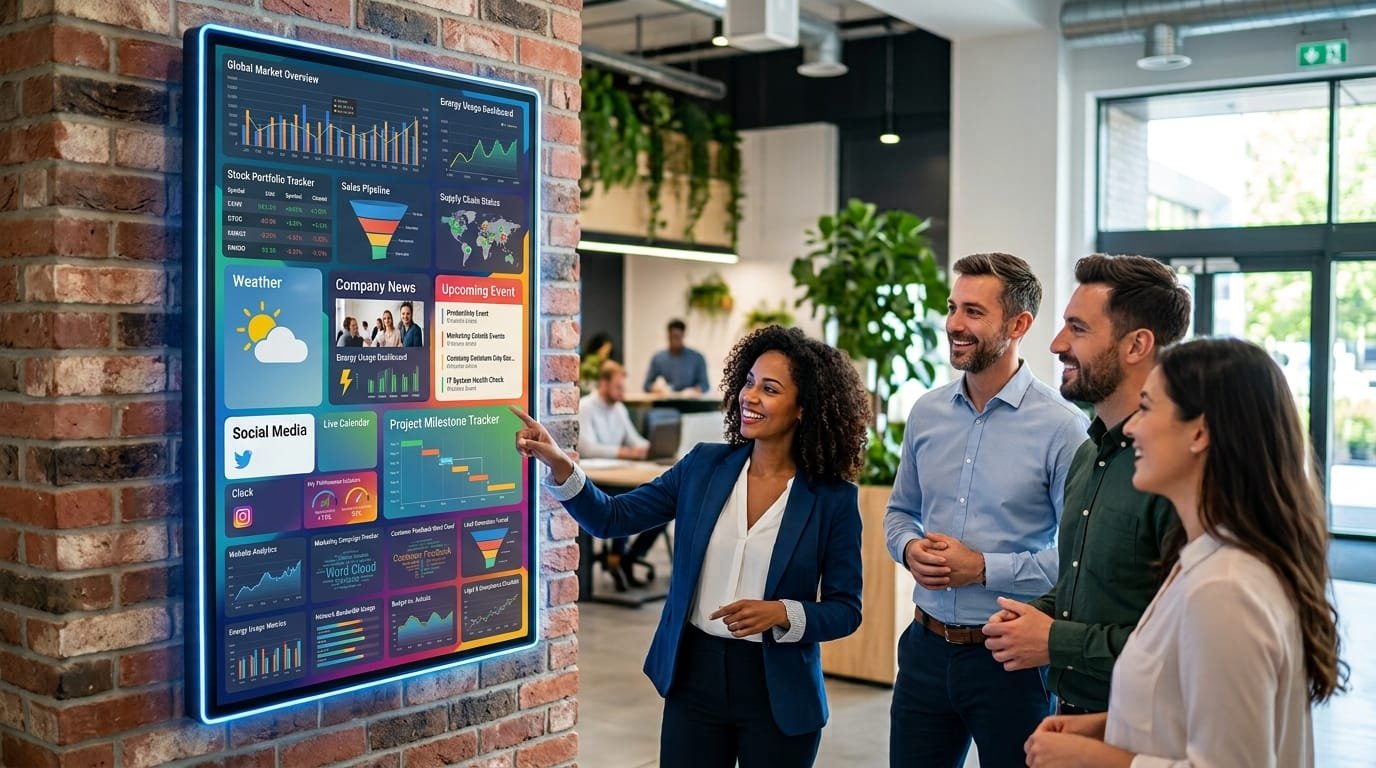
Installing a digital screen does not simply mean putting information on display. A screen can help guide visitors, promote products, inform customers, communicate internal announcements or reinforce a company’s brand. But for it to serve a real purpose, the content needs to be designed around the location, the audience and the amount of time people have to view it.
One of the most common questions when implementing digital signage is precisely this: what content should you display on a digital screen so that it remains useful rather than becoming another visual element that people simply stop noticing?
The answer depends on the purpose of the installation. A screen in a shop window does not need the same content as one in an office reception area or a clinic waiting room.
What should digital screen content achieve?
Before creating images, videos or presentations, it is worth defining the role of the screen. Content should address a specific need rather than simply fill the available space.
Common objectives include:
- Informing: opening hours, services, instructions, announcements or updates.
- Promoting: products, services, offers or campaigns.
- Guiding: showing entrances, departments, areas or routes.
- Communicating internally: sharing information with employees and teams.
- Improving the visitor experience: making waiting times or visits more useful and engaging.
- Reinforcing the brand: presenting corporate content consistently with the company's visual identity.
Defining the objective makes the rest of the decisions easier: what to display, how long each message should remain on screen, how often it should change and which information deserves priority.
What types of content can you display on a digital screen?
One of the advantages of digital signage is the ability to combine different formats. There is no need to rely exclusively on static images or turn the screen into a continuous stream of advertisements.
Useful information for customers and visitors
In many environments, the most valuable content is not commercial. A screen can display opening hours, available services, access instructions, venue rules, facility information or important announcements.
This type of content is particularly useful in reception areas, healthcare centres, hotels, offices, gyms and other businesses that receive visitors.
Products, services and promotions
In retail and other commercial environments, screens can be used to highlight specific products, temporary promotions, new arrivals or complementary services.
Content generally works better when it focuses on a small number of messages and makes the purpose immediately clear. Showing ten different products in a few seconds may be less effective than presenting one or two products with an attractive image and the essential information.
Videos and images
Audiovisual content can help attract attention in environments where people are not necessarily looking directly at the screen. Product videos, demonstrations, images of facilities or corporate videos are some possible options.
That does not mean everything needs to be a video. A well-designed static composition can communicate a message much faster than a complex animation.
News and updates
Digital screens can also help keep people informed with current information. A company might display news, upcoming events, changes to opening hours, scheduled activities or information related to its industry.
In these situations, having a system that makes it easy to update content without manually replacing it on every screen can make a significant difference.
Directions and wayfinding
In large buildings, facilities with different departments or public-facing environments, a screen can have a very practical function: helping people find their way.
For example, it could show which floors correspond to particular services, where a specific room is located or which route visitors should follow. In this context, clarity matters much more than visual complexity.
Corporate and internal content
In offices and businesses, screens can be used to communicate information to employees, such as meetings, internal events, announcements, company news or operational information.
Internal content should also be adapted to the location. A screen in a busy corridor may work well with short messages, while one in an area where employees spend more time can display more detailed information.
What content should you display depending on the location?
The same content does not work equally well everywhere. The location determines how much time people have to view it and what type of information they are likely to need.
| Location | Suitable content |
|---|---|
| Shop window | Featured products, promotions, new arrivals and campaigns. |
| Retail store | Products, offers, categories, services and recommendations. |
| Reception area | Welcome messages, opening hours, services, corporate information and announcements. |
| Waiting room | Useful information, services, educational content and entertainment. |
| Office | Internal communications, events, announcements and corporate content. |
| Hotel | Services, activities, opening hours, restaurants and recommendations. |
| Gym | Classes, schedules, services, promotions and recommendations. |
| Clinic | Patient information, directions, opening hours, announcements and educational content. |
This adaptation is important because a screen installed in a corridor may only have a few seconds of attention from each person. In contrast, a screen in a waiting room has more time to communicate useful information.
How to create content that can be understood quickly
A digital screen competes with its surroundings for the viewer's attention. Content should therefore be easy to understand without requiring unnecessary effort.
One main message per screen
When a piece of content tries to communicate too many things at once, none of them stands out. It is usually better to establish one main idea and use the remaining elements to support it.
For example, if a store wants to promote a specific offer, there is no need to combine it with a complete product list, several commercial conditions and multiple corporate messages. Additional information can make the main message less visible.
Short, readable text
Text should be readable from an appropriate distance and within a short period of time. This means using suitable font sizes, sufficient contrast and direct wording.
A digital screen should not be treated as a replacement for a website or a detailed document. If someone needs several minutes to read the content, the format probably needs to be reconsidered.
Images with a clear purpose
An attractive image can help capture attention, but it should support the message. Using photographs simply to fill empty space often results in a less useful composition.
Use animation carefully
Transitions and animations can help organise a sequence, but excessive movement can make content harder to read and make the overall experience unnecessarily complicated.
How long should each piece of content remain on screen?
There is no universal duration. It depends on the amount of information, viewing distance and how long people typically remain in front of the screen.
A short message may only need a few seconds. A piece containing more information will need longer, although it may also be worth simplifying the content if it requires extended reading.
A useful approach is to observe how people actually interact with the screen. If viewers regularly have to wait for information to appear again because they did not have enough time to read it, the sequence may need to be adjusted.
The importance of keeping content up to date
One of the main advantages of digital signage over traditional communication materials is the ability to update information quickly. But that advantage disappears if content remains unchanged for months.
A digital signage system should have a review schedule. Not everything needs to change constantly, but different types of content should be managed appropriately:
- Opening hours and announcements should be updated whenever they change.
- Promotions should be removed when they expire.
- Campaigns can be scheduled for specific dates.
- Corporate content can be refreshed periodically.
- Permanent information should be reviewed to make sure it remains accurate.
Centralised management makes this easier when a company operates several screens or has different locations.
Schedule content according to the time of day
It does not always make sense to show the same information throughout the day. One of the most useful features of digital signage is the ability to schedule different content according to the time, day or location.
For example, a café might highlight breakfast options in the morning, lunch products around midday and different offers in the afternoon. A company could also display different internal messages depending on when employees are most active.
Scheduling also makes it possible to prepare campaigns in advance and avoid manually changing content every time a promotion starts or ends.
Common mistakes to avoid
Turning the screen into a digital brochure
Copying the complete content of a brochure, catalogue or website onto a screen usually creates something that is difficult to read. Content should be designed specifically for screen-based viewing.
Showing too much information
More content does not necessarily mean more useful information. If viewers do not know where to look, the screen loses much of its purpose.
Ignoring viewing distance
A design that works on a monitor viewed from one metre away may be difficult to read from several metres away. Before creating the content, consider where the screen will be installed and from which points it will be viewed.
Using exactly the same sequence all the time
A screen showing exactly the same content for weeks may eventually become part of the background. Content does not need to change constantly, but there should be a clear content strategy.
Forgetting about maintenance
Content is only one part of the system. You also need to make sure that the screens are working, the devices responsible for playback remain connected and scheduled content is displayed correctly.
How to organise a content strategy for digital screens
Before producing content, it is worth creating a basic plan. You do not need a complex editorial calendar, but you should answer a few key questions.
- Who will see the screen? Customers, employees, visitors or a combination of audiences.
- Where will it be installed? The location determines viewing distance and available attention time.
- What do you want to achieve? Inform, guide, promote, entertain or communicate.
- Which content is permanent? For example, opening hours or corporate information.
- Which content is temporary? Promotions, campaigns, events or announcements.
- How often will content be reviewed? Assigning responsibility helps prevent information from becoming outdated.
This approach also helps determine which parts should be managed manually and which could potentially be connected to other business systems.
Can a digital screen be connected to other systems?
Yes. In more advanced projects, digital screens can become part of a company's wider technology ecosystem. For example, certain content can be sourced from internal data, catalogues, calendars or management systems.
This can be particularly useful when information changes frequently. Instead of manually updating a screen every time something changes, an integration can be designed to update certain content automatically.
The complexity will depend on the systems involved, the type of information and the required level of automation. When a project involves specific integrations, it can be useful to analyse the existing technology architecture and business requirements before defining the solution. Orizontic's technology consulting services can help assess these scenarios before implementation.
When does dynamic content make sense?
Not every company needs a complex dynamic content strategy. A screen displaying relatively stable information may be perfectly adequate for certain environments.
Dynamic content becomes more valuable when there are several locations, different audiences, information that changes frequently or a need to schedule campaigns and messages according to specific times.
It can also be useful when a company wants to manage multiple screens centrally. In these situations, technology can reduce manual work and help maintain more consistent communication across different locations.
The screen is the medium, not the content
A high-resolution screen cannot compensate for poor planning. Before choosing formats, animations or equipment, it is worth defining what information the audience actually needs and how that information will be kept up to date.
An effective digital signage strategy combines useful content, clear design, appropriate scheduling and straightforward management. Technology should make this process easier, not create another task for the team.
If a company is considering installing digital screens and needs to assess how they could fit into its existing systems, it can be useful to start by analysing objectives, locations and management requirements. For projects involving custom development or integrations, Orizontic can help design and develop technology solutions adapted to each company's needs.


