
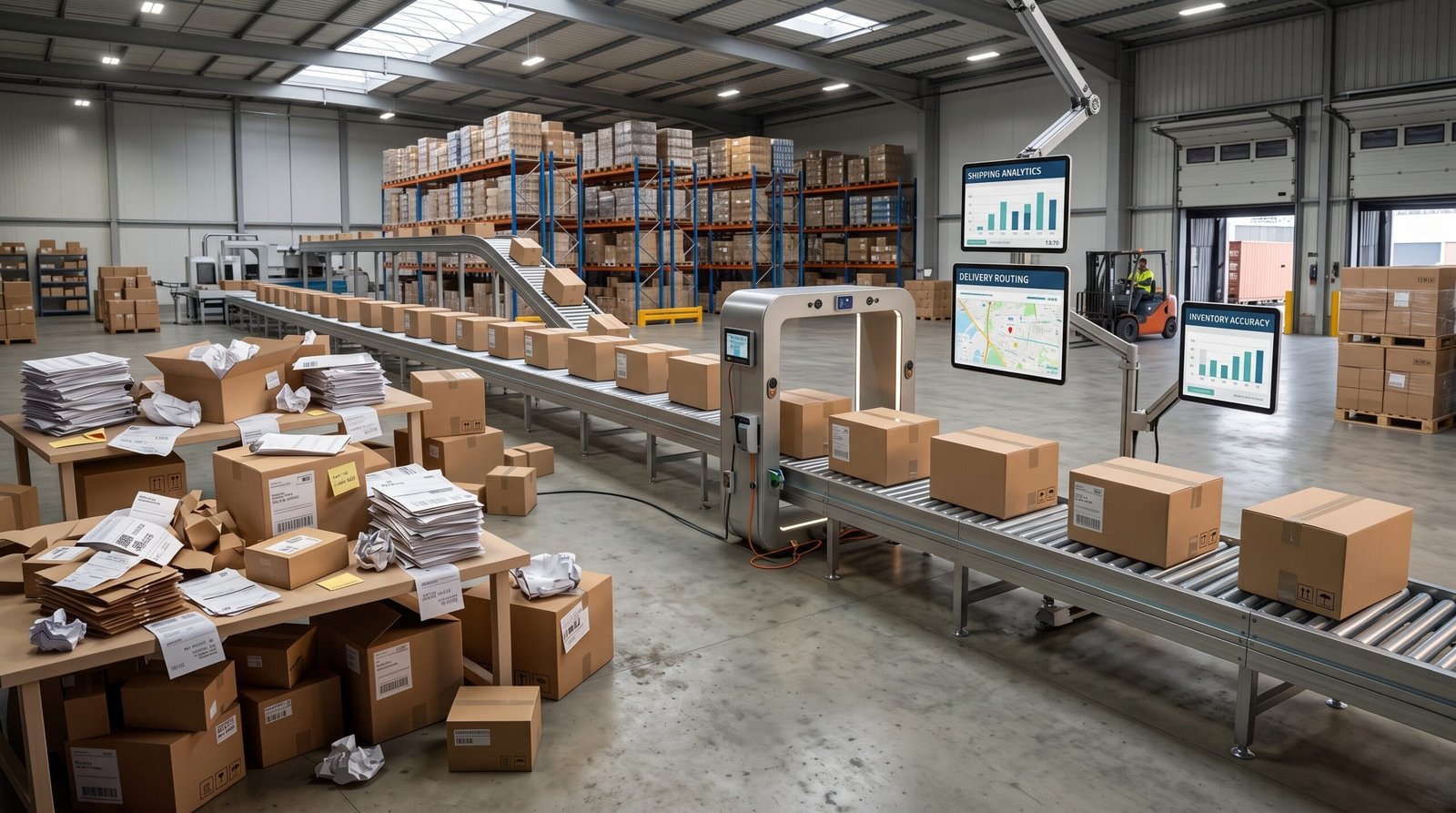
Running an online store involves much more than receiving orders and shipping products. As the business grows, teams often find themselves spending more and more time on repetitive tasks: updating product information, checking stock, copying customer data, processing orders, resolving synchronisation issues or answering questions that could be handled automatically.
This manual work may not seem like a major problem when the store is small. But as order volumes, product ranges and the number of connected systems increase, these tasks can become a significant operational burden.
Reducing manual work does not mean automating everything. The goal is to identify which tasks are repetitive, error-prone or unnecessarily dependent on human intervention, and then improve the processes behind them.
Why does an online store generate so much manual work?
Manual work often appears when different parts of the business are managed separately. The ecommerce platform may contain orders, the ERP may contain stock information, the accounting system may handle invoices, and the CRM may contain customer information.
If these systems are not properly connected, employees have to move information from one place to another.
For example, a typical process might look like this:
- A customer places an order through the online store.
- An employee checks the order manually.
- The order is copied into another system.
- Stock is checked separately.
- The warehouse receives the information.
- The customer receives an email that may have to be sent manually.
- Invoice information is entered into the accounting system.
None of these individual tasks is necessarily difficult. The problem is having to repeat them hundreds of times.
Start by identifying where time is being lost
Before automating anything, it is worth analysing how the store is actually managed.
A useful starting point is to list the tasks that employees perform every day or every week and ask a few simple questions:
- Is the task repeated frequently?
- Does it require copying information between systems?
- Can the same mistake happen more than once?
- Does someone have to check information that should already be reliable?
- Could the task follow a predictable set of rules?
- Does the task add real value for the customer or the business?
This exercise often reveals that the biggest problem is not one large process, but dozens of small repetitive tasks distributed across different areas of the business.
Automate repetitive tasks first
Not every process needs sophisticated automation. In many ecommerce businesses, significant improvements can come from automating simple and predictable actions.
Examples include:
- Sending order confirmation emails.
- Updating order statuses.
- Sending shipping notifications.
- Creating invoices when specific conditions are met.
- Updating stock after a purchase.
- Notifying the team when stock reaches a defined level.
- Creating customer records automatically.
- Assigning orders to the appropriate workflow.
The important point is that automation should be based on clear business rules. If a process requires constant exceptions or manual decisions, it may need to be redesigned before it can be automated reliably.
Avoid entering the same information twice
One of the clearest signs of unnecessary manual work is duplicate data entry.
If an employee has to copy the same customer, product or order information from the ecommerce platform into an ERP, CRM or accounting system, there is usually an opportunity to improve the process.
Besides consuming time, duplicate entry creates another problem: inconsistencies.
A customer address can be updated in one system but not another. A product price can change without being reflected everywhere. An order can have one status in the ecommerce platform and another in an internal system.
Connecting systems so that information flows automatically can reduce both the workload and the risk of these discrepancies.
Connect your ecommerce platform with your ERP
For many businesses, the connection between the online store and the ERP is one of the most important areas to review.
Depending on the business, the integration may synchronise information such as:
- Products and product information.
- Stock levels.
- Orders.
- Customers.
- Prices.
- Invoices.
- Shipping information.
The exact information that should be synchronised depends on how the company operates. The objective is not simply to connect two systems, but to define which system should be responsible for each type of information.
For example, the ecommerce platform may manage the customer-facing product catalogue while the ERP remains the main source of truth for stock and internal product data.
This distinction becomes particularly important as the business grows.
Reduce manual product catalogue management
Product management can become one of the most time-consuming parts of running an ecommerce business, especially when the catalogue contains hundreds or thousands of products.
Manually updating product names, descriptions, prices, categories, images and stock information across several systems quickly becomes inefficient.
A better approach is to establish where product information originates and how it should reach the other systems.
This can involve integrations, scheduled synchronisation, imports or automated processes depending on the complexity of the catalogue.
The more structured the product data is, the easier it becomes to automate these processes without losing control over the information presented to customers.
What happens when synchronisation fails?
Automation does not eliminate the need for people to monitor processes. It changes the type of work they need to perform.
For example, instead of checking every order manually, an employee could receive an alert only when something goes wrong:
- A product cannot be synchronised.
- Stock information is inconsistent.
- An order fails to reach the ERP.
- A required field is missing.
- A connection between systems is temporarily unavailable.
This is much more efficient than manually checking every transaction just to make sure nothing has gone wrong.
A good automated process should therefore include error detection, notifications and a clear procedure for resolving exceptions.
Automate order management
Order processing is another area where unnecessary manual work can accumulate quickly.
A well-designed process can automatically move an order through different stages based on what happens in the business.
For example, once payment is confirmed, the order can be marked as ready for processing. Once the warehouse confirms shipment, the ecommerce platform can update the order status and send the customer the appropriate notification.
This reduces the need for employees to update the same information in several places.
It also makes the status of each order easier to understand for both the internal team and the customer.
Give customers access to information themselves
Some manual work exists because customers need information that the ecommerce system could provide directly.
Order tracking, delivery information, invoices, returns and account details are common examples.
If customers have to contact the company every time they want to know where their order is or request a document, the support team spends time answering questions that could potentially be handled through the customer area.
Improving self-service does not mean removing human support. It means allowing customers to resolve simple questions themselves while giving the team more time to deal with complex cases.
Review returns and other exceptions
Returns, cancellations and unusual orders often create a disproportionate amount of manual work.
This is partly because they do not follow the standard order process. However, that does not mean they cannot be structured.
For example, a return process can define different actions depending on the reason for the return, the order status or the type of product involved.
The objective should be to automate the predictable parts while leaving the decisions that genuinely require human judgement to the appropriate team member.
Do not automate a process that is already broken
One of the most common mistakes is trying to automate an inefficient process without changing it first.
If a team currently needs several manual checks because information is incomplete or because responsibilities are unclear, adding an automation layer may simply make the existing problem harder to understand.
Before automating a process, ask:
- What is the desired result?
- Which steps are genuinely necessary?
- Which steps exist only because of limitations in the current system?
- Who is responsible for each stage?
- What should happen when something goes wrong?
Sometimes the best solution is not a new automation but a simpler process.
Avoid isolated automations
Another common problem is creating several independent automations that do not communicate with each other.
One automation updates stock, another sends an email and another exports orders. Each one may work correctly on its own, but the overall process can still be difficult to maintain.
As the number of automations grows, it becomes increasingly important to understand how systems exchange information and where each process begins and ends.
A connected architecture is usually easier to monitor and maintain than a collection of unrelated shortcuts.
When does a custom integration make sense?
Standard ecommerce plugins and connectors can be enough for straightforward requirements. However, they may become limiting when a business has specific workflows or several systems that need to exchange information in a particular way.
A custom integration can make sense when the business needs to handle complex pricing, customer-specific catalogues, advanced order rules, unusual stock processes or data flows that standard connectors cannot support properly.
The decision should not be based simply on whether a custom solution is technically possible. It should be based on the operational problem it solves and the amount of manual work it removes.
Good data is essential for automation
Automation depends on reliable information.
If product references are inconsistent, customer records are duplicated or stock information is incorrect, an automated process can reproduce those problems much faster.
Before introducing more automation, it is therefore worth reviewing the quality and structure of the data used by the different systems.
Clear identifiers, consistent product information and defined ownership of data can make integrations considerably easier to manage.
Where can an ecommerce business reduce manual work?
| Process | Typical manual work | Possible improvement |
|---|---|---|
| Orders | Copying orders between systems | Automatic synchronisation |
| Stock | Checking and updating quantities manually | Automatic stock updates |
| Customers | Creating the same customer in several systems | Automatic customer synchronisation |
| Invoices | Manually creating or exporting invoice data | Automated invoicing workflow |
| Notifications | Sending status emails manually | Event-based notifications |
| Product catalogue | Updating information in multiple places | Centralised product data and synchronisation |
| Exceptions | Checking transactions manually | Alerts and exception-based workflows |
How to start reducing manual work
You do not need to automate the entire ecommerce operation at once.
A practical approach is to work in phases:
- List the repetitive tasks performed by the team.
- Estimate which tasks consume the most time.
- Identify processes that frequently cause errors.
- Map the systems involved in each process.
- Choose one or two high-impact processes to improve first.
- Define clear rules and responsibilities.
- Implement the automation or integration.
- Monitor the results and adjust the process.
This approach makes it easier to measure whether the technology is actually solving a business problem.
The goal is to remove unnecessary tasks, not people
Reducing manual work is sometimes presented as a way to reduce the need for employees. In practice, a better objective is to remove repetitive tasks that prevent people from focusing on more valuable work.
An ecommerce team should not need to spend most of its time copying information, checking the same data repeatedly or updating statuses manually.
Those resources can be better used for customer service, product management, sales, marketing, analysis and improving the business itself.
An ecommerce operation built around its processes
The technology behind an online store should support the way the business operates rather than forcing employees to work around disconnected systems.
Reducing manual work usually starts with a simple question: which tasks are people performing today because the systems are not properly connected?
From there, it becomes possible to decide whether the right solution is a configuration change, a new integration, a process redesign or, in some cases, custom software.
If you are reviewing the processes behind your online store and want to identify where automation or integration could make the biggest difference, Orizontic can help you improve and develop your ecommerce platform. For more complex technology requirements, you can also explore our technology consulting services to assess the best approach for your business.


