
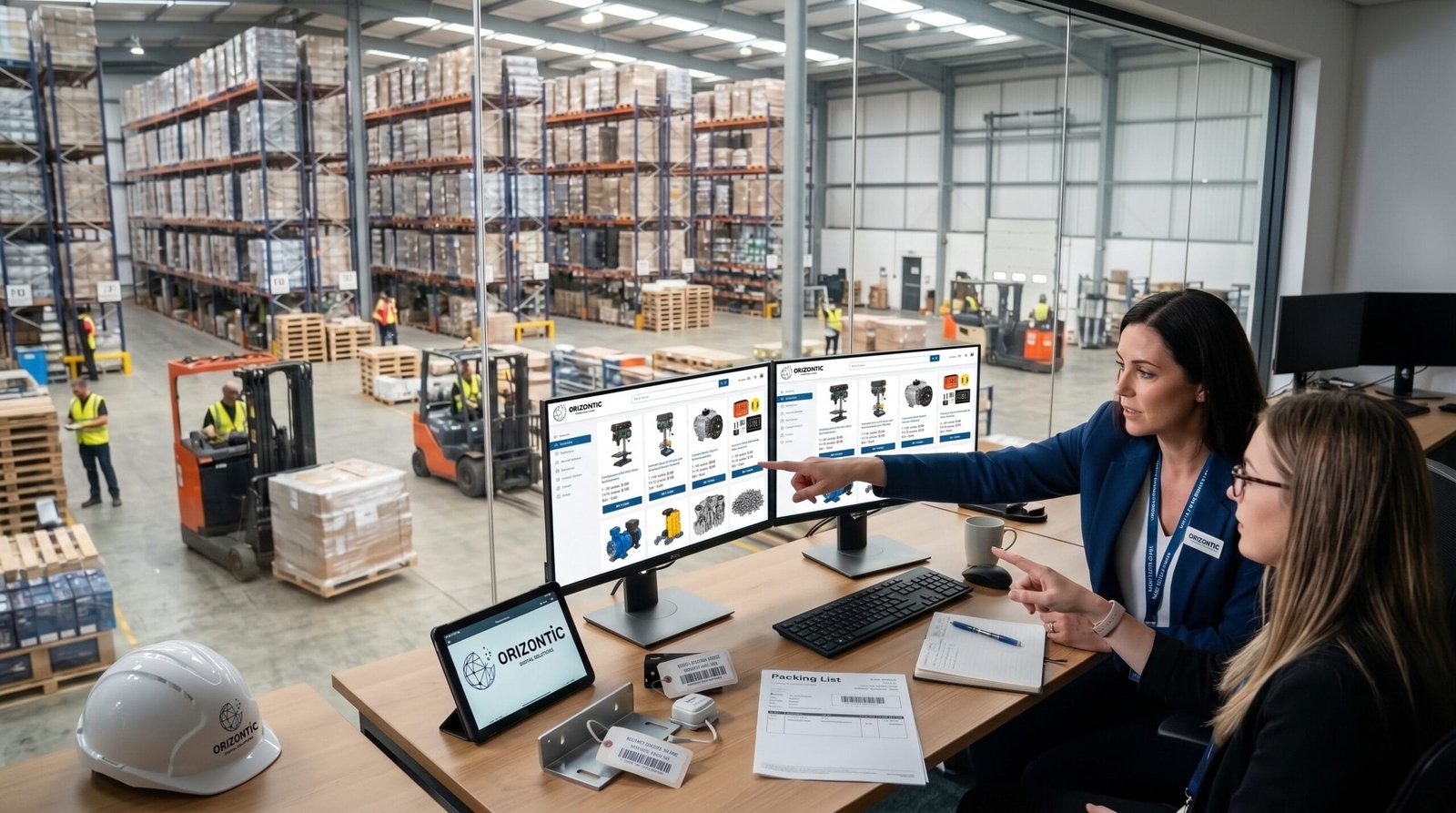
A B2B online store should do more than display products and provide a shopping cart. When customers are other businesses, the purchasing process is often more complex: there may be negotiated pricing, recurring orders, multiple users, large quantities and internal approval procedures.
For this reason, a B2B ecommerce platform should adapt to the way customers actually purchase. The objective is not simply to sell online, but to make placing an order faster, easier and more reliable than using traditional channels.
This becomes particularly important when a company already has regular customers. If a buyer needs to contact a sales representative, check prices, send an email and wait for confirmation every time they want to repeat an order, there is a clear opportunity to digitise and simplify the process.
What makes a B2B online store different from B2C ecommerce?
In a B2C store, the purchasing process is usually designed around a consumer discovering a product, adding it to a cart and completing the purchase as quickly as possible.
In B2B, the context is different. The same customer may have several people authorised to purchase, specific commercial conditions and internal processes that must be followed before an order can be confirmed.
Business purchases are also often recurring rather than isolated decisions. A customer may buy the same products every week or month, work with specific quantities and expect agreed prices and conditions to remain consistent.
For this reason, a good B2B online store should reduce friction in the tasks customers perform regularly.
Customer-specific catalogues and products
Not every customer necessarily needs to see exactly the same catalogue.
A company may offer different product ranges depending on the type of customer, industry or commercial agreement. In some cases, certain products may only be available to specific customers.
The ecommerce platform should be able to manage these differences without requiring the sales team to intervene manually in every order.
For example, a distributor could have a general catalogue while also displaying a specific selection of products to particular professional customers.
This type of personalisation can also improve the buying experience. Customers see the products that are actually relevant to them and do not need to contact the company to check whether a particular product is available to their business.
Customer-specific prices and pricing rules
Pricing is one of the areas that most clearly differentiates B2B purchasing from conventional online shopping.
Businesses often work with negotiated prices, volume discounts or different commercial conditions depending on the customer.
A B2B online store should be able to apply these rules automatically and display the correct price for each customer account.
This avoids situations where customers have to enter discount codes manually or contact a sales representative to confirm which price should apply.
When pricing information comes from an ERP or another business management system, integration between the systems can be particularly important. It avoids maintaining pricing information independently across multiple platforms.
Quick ordering for recurring customers
If a professional customer regularly buys the same products, forcing them to browse the entire catalogue every time they place an order does not make much sense.
A B2B store can include features designed specifically for repeat purchases, such as frequently purchased products, previous orders or tools for entering product references and quantities directly.
Imagine a company that orders 20 specific product references every two weeks. Being able to retrieve a previous order and simply adjust the quantities can save several minutes on every purchase.
It may seem like a small improvement, but when repeated dozens or hundreds of times, it can have a significant impact on both the customer and the supplier.
Repeating previous orders should be simple
Being able to access previous orders is another particularly useful feature in B2B ecommerce.
Customers should be able to review previous purchases, see which products they ordered and repeat an order without having to build it again from scratch.
The order history can also provide access to information such as dates, quantities, order statuses and associated documents.
The more frequently a customer purchases, the more valuable this functionality becomes.
Multiple users within the same company
In a B2B transaction, the person using the online store does not necessarily own the company.
They may be a buyer, department manager, administrator or another employee authorised to purchase.
For this reason, a B2B ecommerce platform may need to manage multiple users associated with the same company, with different permissions and responsibilities.
For example, one user could prepare an order while another reviews and approves it before it is confirmed.
This type of structure is particularly useful when purchases need to follow internal authorisation procedures.
Order approval workflows
Not every company allows every employee to place an order without supervision.
Some organisations may need spending limits or approval procedures for certain purchases.
A B2B online store can incorporate approval workflows that determine who can create an order and who has permission to confirm it.
This allows part of the internal purchasing process to move online, replacing procedures that were previously managed through emails, phone calls or internal documents.
Different payment methods and commercial conditions
B2B payment processes do not necessarily work in the same way as consumer ecommerce.
Some customers may pay by card, while others may use bank transfers, credit terms or other previously agreed payment conditions.
The online store should be able to reflect these conditions depending on the customer and the commercial agreement.
It can also be useful to display information about credit limits, payment terms or outstanding orders when this information is available and correctly integrated with the relevant business systems.
Clear information about stock and availability
For a professional customer, knowing whether a product is available can be just as important as knowing its price.
Incorrect stock information can lead to delays, calls to the sales department and problems with the customer's own planning.
For this reason, product availability displayed in the online store should be based on reliable information.
When inventory is managed through an ERP or another internal system, synchronising this information with the ecommerce platform can help maintain consistency.
It is not always necessary to display an exact quantity. Depending on the business, statuses such as available, limited availability or available on request may be more useful.
Connecting the online store with the company's systems
One of the most important capabilities of a growing B2B ecommerce operation is its ability to connect with the systems the company already uses.
The online store can manage the customer's digital experience, while other systems may handle products, customers, inventory, orders, invoicing or logistics.
The purpose of an integration should not simply be to move data from one system to another. It is important to define which system is responsible for each type of information and when that information needs to be synchronised.
For example, a process could begin when a customer places an order in the online store. The information is sent to the management system, inventory is checked and the information required to update the order status is subsequently returned to the ecommerce platform.
This type of architecture reduces manual data entry and helps different departments work with consistent information.
Documents and invoicing
Professional customers often need more than a simple order confirmation.
Depending on the business, they may need access to orders, delivery notes, invoices or other documents associated with their transactions.
Making this information available through a private customer area can significantly reduce the number of queries handled by administrative or sales teams.
If these documents are generated by another business system, integration can make them available to customers without requiring information to be duplicated manually.
A customer area designed for professional buyers
The customer area should become a useful operational centre, rather than simply a page for managing login details.
A well-designed B2B experience can allow customers to:
- View and repeat previous orders.
- Access invoices and documentation.
- Manage users within their company.
- View prices and commercial conditions.
- Manage delivery addresses.
- Track order status.
- Access frequently purchased products.
- Submit and manage certain commercial requests.
The advantage is that many processes that previously required employee intervention can become directly accessible to customers.
Search products by reference
Professional buyers do not always search for products by browsing categories.
In many industries, they work with product references, internal codes or specific names. A B2B search engine should therefore be capable of finding products using different types of information.
It can also be useful to allow customers to enter several product references and quantities at once to create an order quickly.
The larger the catalogue, the more valuable these tools become.
Managing multiple delivery addresses
A company may purchase through a single account while needing to send orders to different locations.
This is common when an organisation has several branches, warehouses, stores or operational sites.
Allowing customers to save and select different delivery addresses avoids entering the same information manually for every order and reduces the risk of errors.
In some cases, it may also be necessary to control which users are authorised to use particular delivery addresses.
Design around the real purchasing process
A B2B online store should not be designed solely around how products are displayed. Before deciding which features to implement, it is worth analysing how customers currently buy.
Do they call a sales representative to place orders? Do they send emails? Do they use spreadsheets? Do they always purchase the same products? Do they require internal approval? Do different customers have different pricing agreements?
The answers to these questions help determine which features actually make sense.
For example, a company with a small number of customers but complex orders may benefit more from approval workflows and personalised pricing than from an extremely simplified checkout process.
By contrast, a distributor with hundreds of recurring customers may gain significant value from quick ordering, frequently purchased products and process automation.
Which features should you prioritise when building a B2B online store?
There is no need to implement every feature from day one. In fact, trying to build an excessively complex platform can make the project harder to manage.
A better approach is to prioritise features according to transaction volumes and the actual needs of customers.
As a starting point, it can be useful to evaluate these areas:
- Buying experience: fast search, clear navigation and straightforward ordering.
- Customers: business accounts, users and permissions.
- Pricing: customer-specific prices, discounts and commercial conditions.
- Orders: order history, repeat purchases and statuses.
- Logistics: stock, availability and multiple delivery addresses.
- Administration: invoices, documents and payment terms.
- Integrations: connections with ERP, CRM, logistics and other business systems.
The priority should be on improvements that eliminate manual work or make the operations customers perform most frequently easier.
Technology should adapt to the business, not the other way around
A B2B online store can become much more than a simple sales channel. When properly designed, it can connect customers with different internal processes and reduce a significant amount of manual administration.
However, achieving this does not mean adding features individually without a broader strategy. It requires understanding how customers work, how orders are currently managed and which systems are involved at each stage.
When ecommerce is designed around these processes from the beginning, it becomes much easier to build a solution that can grow alongside the business.
At Orizontic, we help companies analyse their requirements and develop ecommerce solutions adapted to their processes, customers and internal systems. The objective is not to add technology for its own sake, but to create a platform that genuinely makes day-to-day operations easier.


