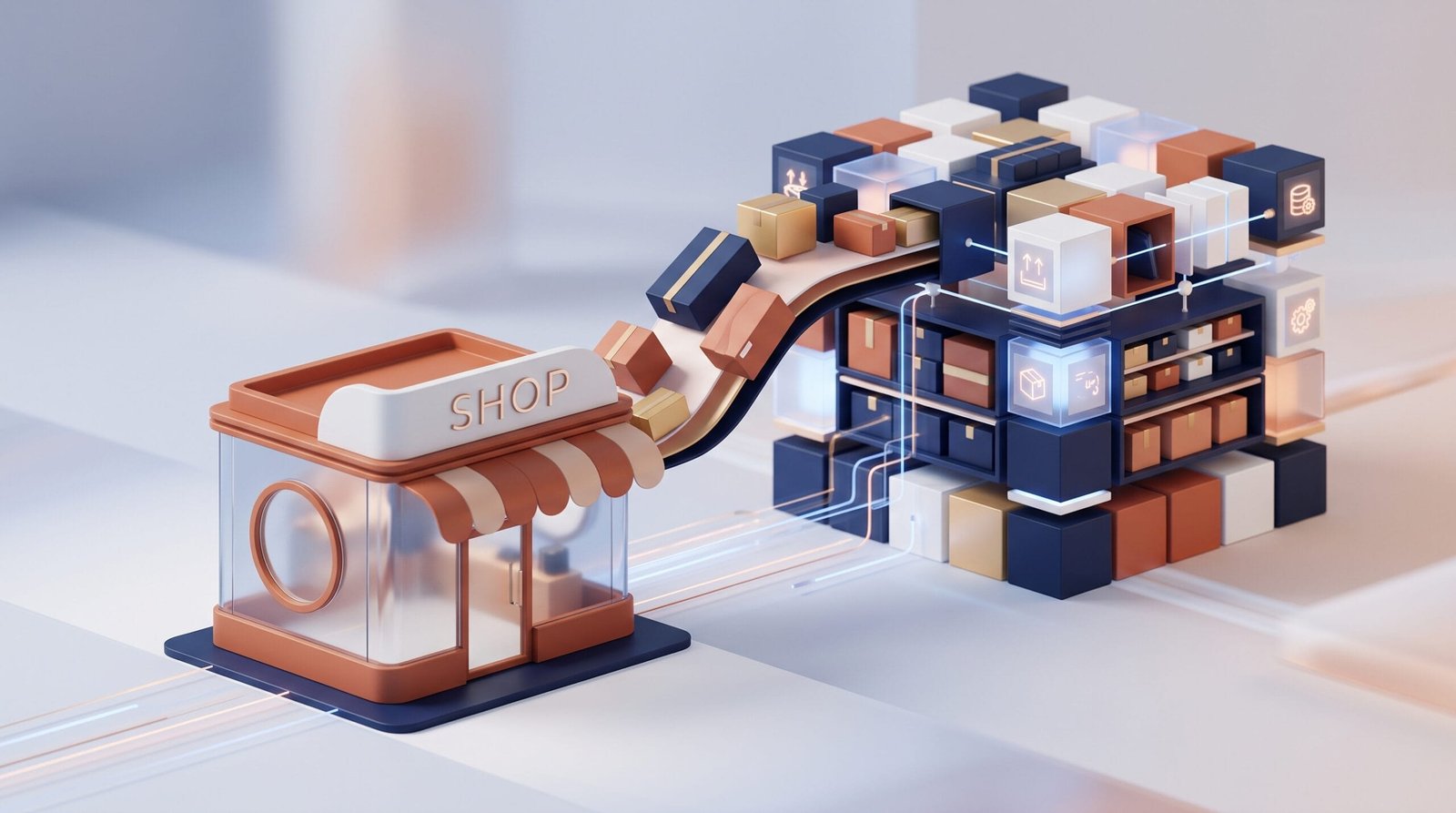
An online store can work perfectly well without an ERP when the business is small and operations are relatively simple. Orders are manageable, stock can be updated manually and the number of products or sales channels is limited.
The situation changes as the business grows. More orders, products, customers, suppliers and sales channels mean more information to manage. What was once a simple administrative task can become a significant source of errors, delays and duplicated work.
This is where ERP integration for ecommerce becomes relevant. Connecting the online store with the company's management systems can create a much more consistent flow of information between sales, stock, purchasing, finance and logistics.
But growth alone does not automatically mean that a business needs an ERP integration. The important question is whether the current way of working is becoming a limitation.
What does ERP integration with an online store mean?
An ERP is a business management system that centralises information and processes such as inventory, purchasing, sales, customers, suppliers, accounting or invoicing.
When an online store is integrated with an ERP, information can move automatically between both systems instead of employees having to enter or copy the same data manually.
For example, when a customer places an order online, the information can be transferred to the company's management system. Depending on the configuration, the ERP can then handle stock, invoicing, fulfilment or other internal processes.
The exact integration depends on the business. There is no single model that works for every ecommerce operation.
Signs that your online store may need an ERP integration
You are entering orders manually
One of the clearest warning signs is having employees copy online orders into another system.
Entering a few orders manually may not be a problem. Doing it hundreds of times every month is different. Apart from consuming working hours, manual data entry introduces the possibility of mistakes in quantities, addresses, prices or customer information.
If the same order has to be entered into several systems, the process becomes even harder to control.
Stock information is not always accurate
Stock management becomes increasingly complicated when an ecommerce business sells through several channels.
If the online store, warehouse and internal management system do not share the same information, customers may see products as available when they are actually out of stock. The opposite can also happen, with products hidden from the online store even though they are available.
Synchronising ecommerce with an ERP can provide a more reliable source of inventory information and reduce the need for manual updates.
The number of orders has increased significantly
Growth can expose weaknesses that were invisible when the business was smaller.
A process that worked comfortably with 20 orders a day may become inefficient when the company receives several hundred. The issue is not simply the number of orders. Each order generates additional information and actions involving stock, logistics, customer service, invoicing and potentially returns.
When employees spend an increasing amount of time moving information between systems, automation becomes worth evaluating.
You sell through several channels
Managing a single online sales channel is relatively straightforward. Managing an ecommerce website alongside marketplaces, physical shops or other sales channels is considerably more complex.
Each channel can generate orders, customer information and inventory movements. Without a centralised system, keeping everything synchronised becomes increasingly difficult.
An ERP can act as part of the operational backbone that connects these different processes.
Product and pricing information is duplicated
Another common problem appears when product information has to be maintained in several places.
Imagine a catalogue with hundreds of products, each with descriptions, prices, references, tax information and stock levels. If employees have to update this information independently in different systems, maintaining consistency becomes increasingly time-consuming.
A properly designed integration can reduce this duplication and establish clearer rules about which system manages each type of information.
Which processes can be connected?
ERP and ecommerce integration can cover different processes depending on the company's needs and technical environment.
| Process | What integration can help with |
|---|---|
| Orders | Transfer online orders to internal management systems automatically. |
| Inventory | Synchronise stock information between the store and business systems. |
| Products | Centralise references, prices and other product information. |
| Customers | Transfer customer information between ecommerce and internal systems. |
| Purchasing | Connect sales activity with purchasing and replenishment processes. |
| Invoicing | Reduce manual work when processing ecommerce sales. |
| Logistics | Improve the flow of order and delivery information. |
Not every company needs all of these connections. A good integration starts by identifying which processes create the most friction and which system should be responsible for each piece of information.
What happens when ecommerce and ERP systems are not connected?
The problem is rarely that the systems themselves are bad. The difficulty comes from having information trapped in different places.
Consider a hypothetical company that receives 300 online orders per week. Its website receives the orders, while the warehouse uses a separate management system. Employees manually transfer orders and update stock several times a day.
As order volume increases, small inconsistencies become more frequent. An order can be delayed because it has not been transferred. A product can appear available despite having already been sold. A customer may need to contact support because the information provided by different systems does not match.
The company may respond by hiring more people to perform administrative tasks. But if the underlying process remains manual, the operational problem simply scales with the business.
Does every growing online store need an ERP?
No.
Implementing or integrating an ERP involves technical work, planning and investment. For a small business with a limited catalogue, few orders and straightforward operations, the existing setup may be perfectly adequate.
The decision should be based on operational complexity rather than revenue or a specific number of orders.
An ERP integration becomes particularly interesting when manual processes are consuming significant time, errors are becoming more frequent, several systems contain duplicated information or employees cannot obtain reliable operational data quickly.
How to know if the investment makes sense
Before starting an integration project, map the processes involved in managing an order from beginning to end.
Ask simple questions:
- How many times is the same information entered manually?
- Which tasks require employees to move data between systems?
- Where do the most frequent errors occur?
- How long does it take to process an online order internally?
- How often does stock information need to be corrected?
- How many systems need to be updated when a product or price changes?
- What happens when the order volume doubles?
This exercise often reveals whether the real problem is the ecommerce platform, the ERP, the processes themselves or simply the lack of communication between systems.
ERP integration should not mean connecting everything to everything
A common mistake is approaching integration as a purely technical project: connect every available system and automate as much as possible.
That approach can create unnecessary complexity.
Before deciding what to integrate, define which system should be the source of truth for each type of information. For example, the ERP might be responsible for inventory and purchasing, while the ecommerce system manages the online shopping experience.
The integration should then establish how information moves between those systems and when it should be updated.
This is particularly important when several systems can modify the same information. Without clear rules, automation can reproduce errors faster rather than eliminate them.
Common mistakes when integrating an online store with an ERP
Automating a bad process
Automation does not automatically improve a process. If the existing workflow contains unnecessary steps, integrating the systems may simply make those steps happen faster.
Ignoring data quality
Duplicated, incomplete or inconsistent product and customer data can cause problems after integration. Data should be reviewed before relying on automated synchronisation.
Trying to integrate everything at once
A phased approach is often easier to manage. Starting with high-impact processes such as orders and inventory can provide useful results before expanding the integration.
Forgetting exceptions
Real businesses do not process only standard orders. Returns, cancellations, partial shipments, stock adjustments and payment problems also need to be considered.
Underestimating maintenance
An integration is not necessarily a one-off project. Changes to APIs, business rules, systems or processes can require adjustments over time. Long-term maintenance should be part of the planning from the beginning.
How to prepare an ecommerce business for ERP integration
A good starting point is to document the current operation before choosing a technical solution.
- Map the current processes. Identify how orders, products, stock, customers and invoices are managed today.
- Identify repetitive work. Look for tasks involving copying, exporting, importing or manually checking information.
- Define responsibilities. Decide which system should be the primary source for each type of data.
- Prioritise integrations. Start with processes that have the greatest operational impact.
- Consider exceptions. Include returns, cancellations, stock discrepancies and other non-standard situations.
- Measure the result. Track processing time, errors and manual interventions before and after automation.
This approach makes the project more manageable and helps the business evaluate whether the integration is actually delivering operational value.
ERP integration as part of ecommerce growth
An online store should not be viewed as an isolated website. As the business grows, ecommerce becomes increasingly connected to inventory, purchasing, logistics, finance, customer service and other internal processes.
That is why ERP integration for ecommerce is usually less about adding another piece of technology and more about improving the way information moves through the organisation.
The right moment to consider integration is not necessarily when the business reaches a particular turnover or number of orders. It is when manual processes, duplicated data and disconnected systems begin to consume time or create operational risk.
For businesses evaluating this transition, it can be useful to analyse the existing architecture and processes before deciding what should be integrated. Orizontic works with companies on ecommerce projects and digital solutions, helping them assess how their online operations can connect more effectively with their wider business systems. Learn more about Orizontic's ecommerce services.
The goal is not to automate everything. It is to build an ecommerce operation that can handle greater complexity without requiring the same increase in manual work.